Accessing Your Digital Subscription
How to Access Your Model Society Quarterly Subscription
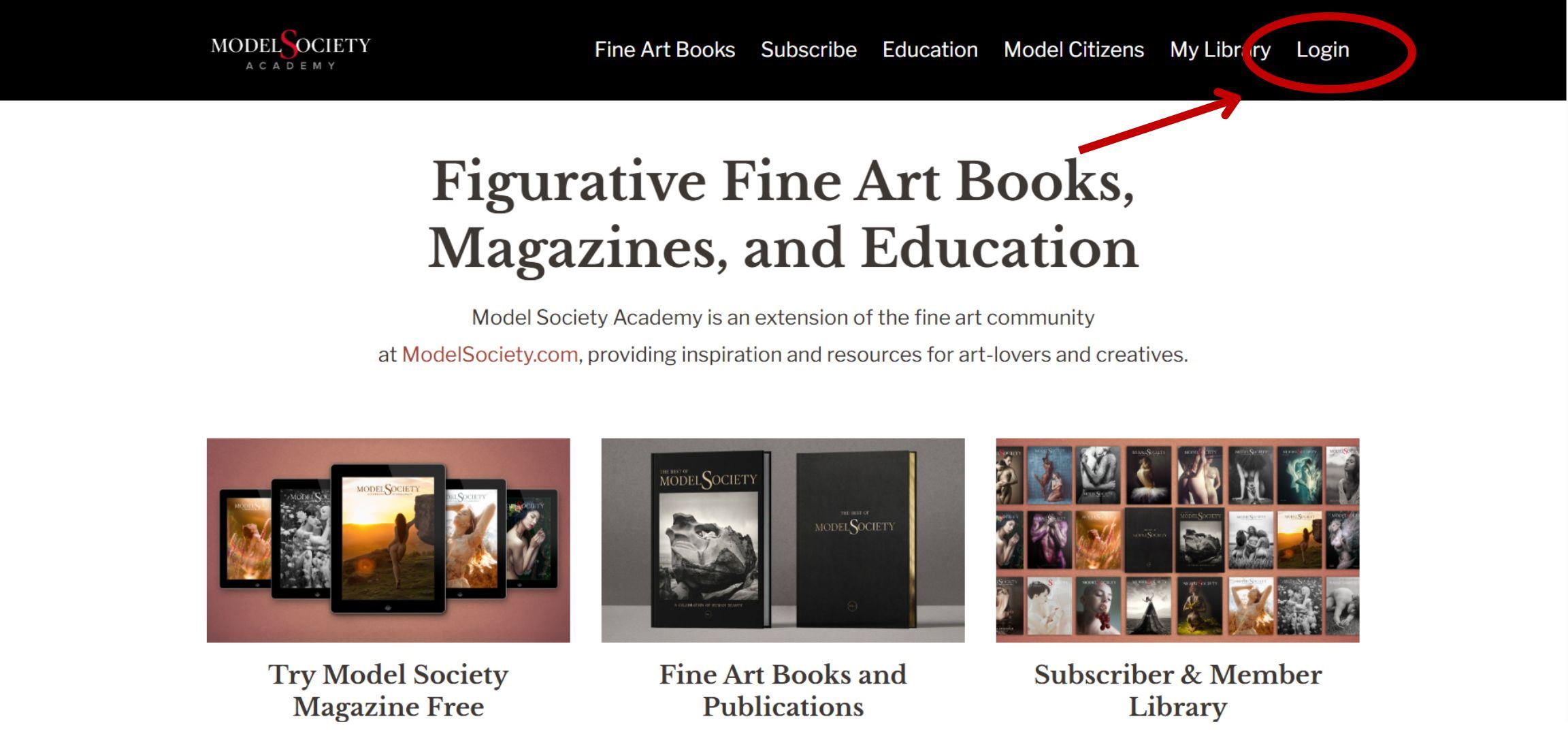
Step 1: Log In
Go to https://modelsociety.academy
⚠️ Important: Make sure you're at modelsociety.academy — not modelsociety.com. That's a different site (our community platform) and your Model Society Quarterly subscription won't be there.
Log in with your email and password.
Step 2: Go to Your Library
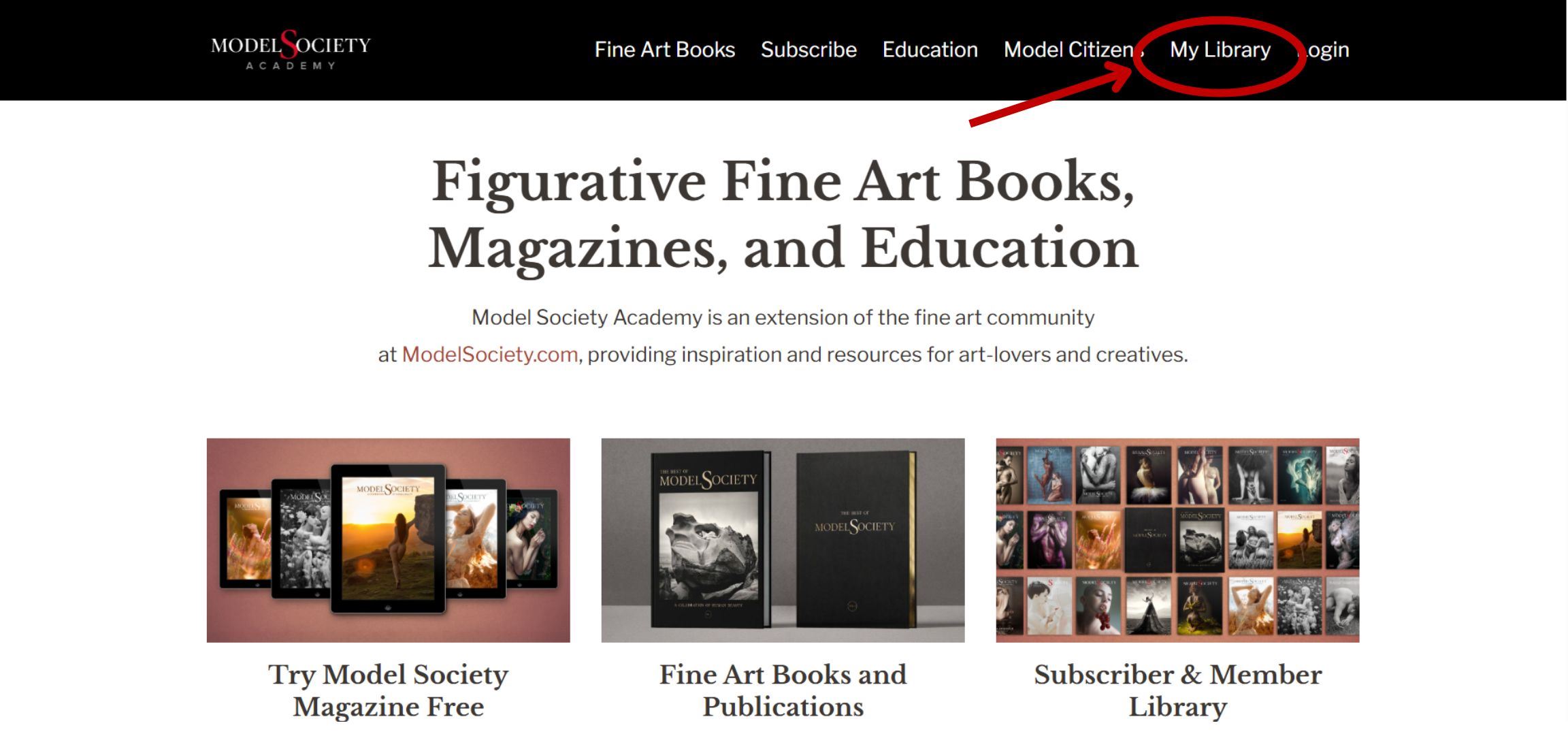
Once you're logged in, look at the menu bar at the top of the page and click the "My Library" tab.
Step 3: Open Your Subscription
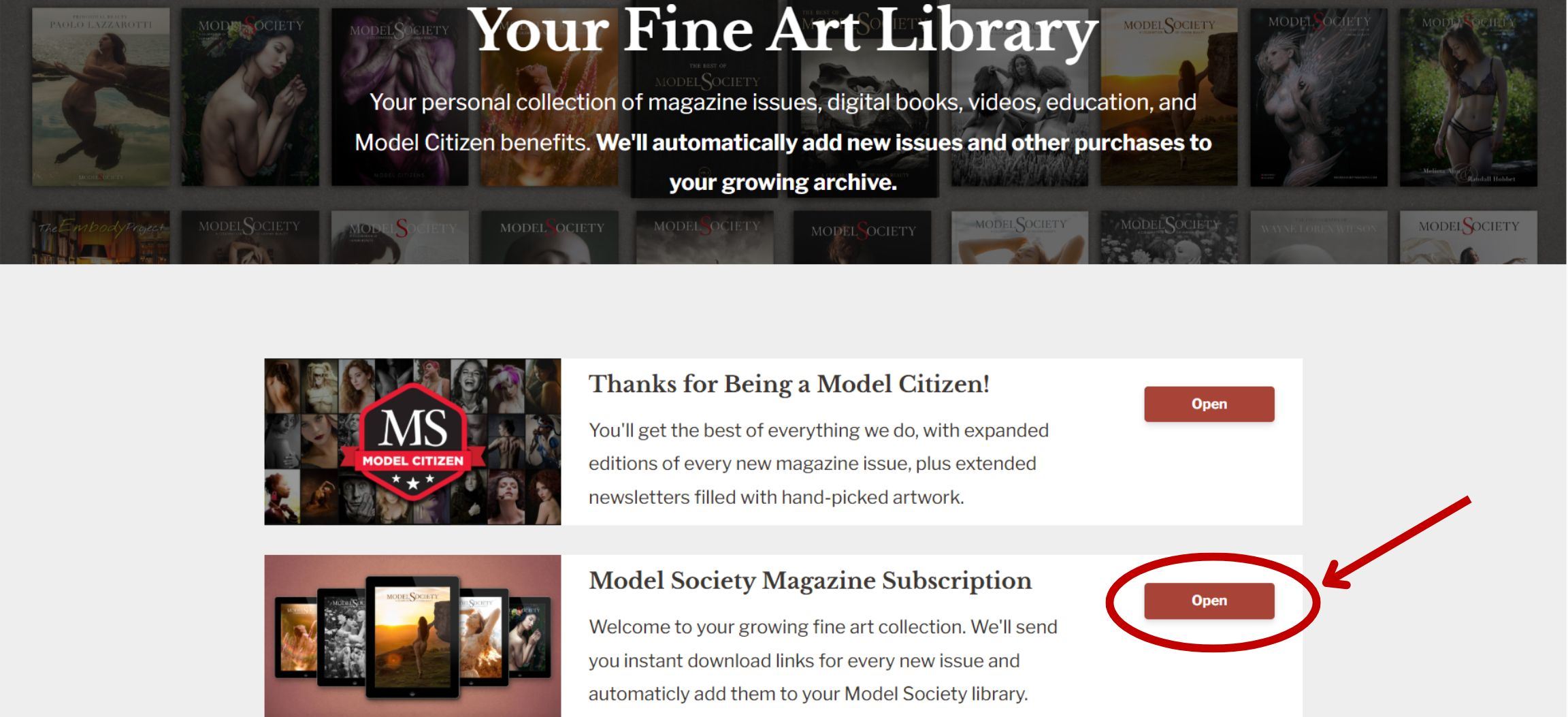
In your library, find "Model Society Quarterly Subscription" and click the red "Open" button next to it.
Step 4: Select an Issue
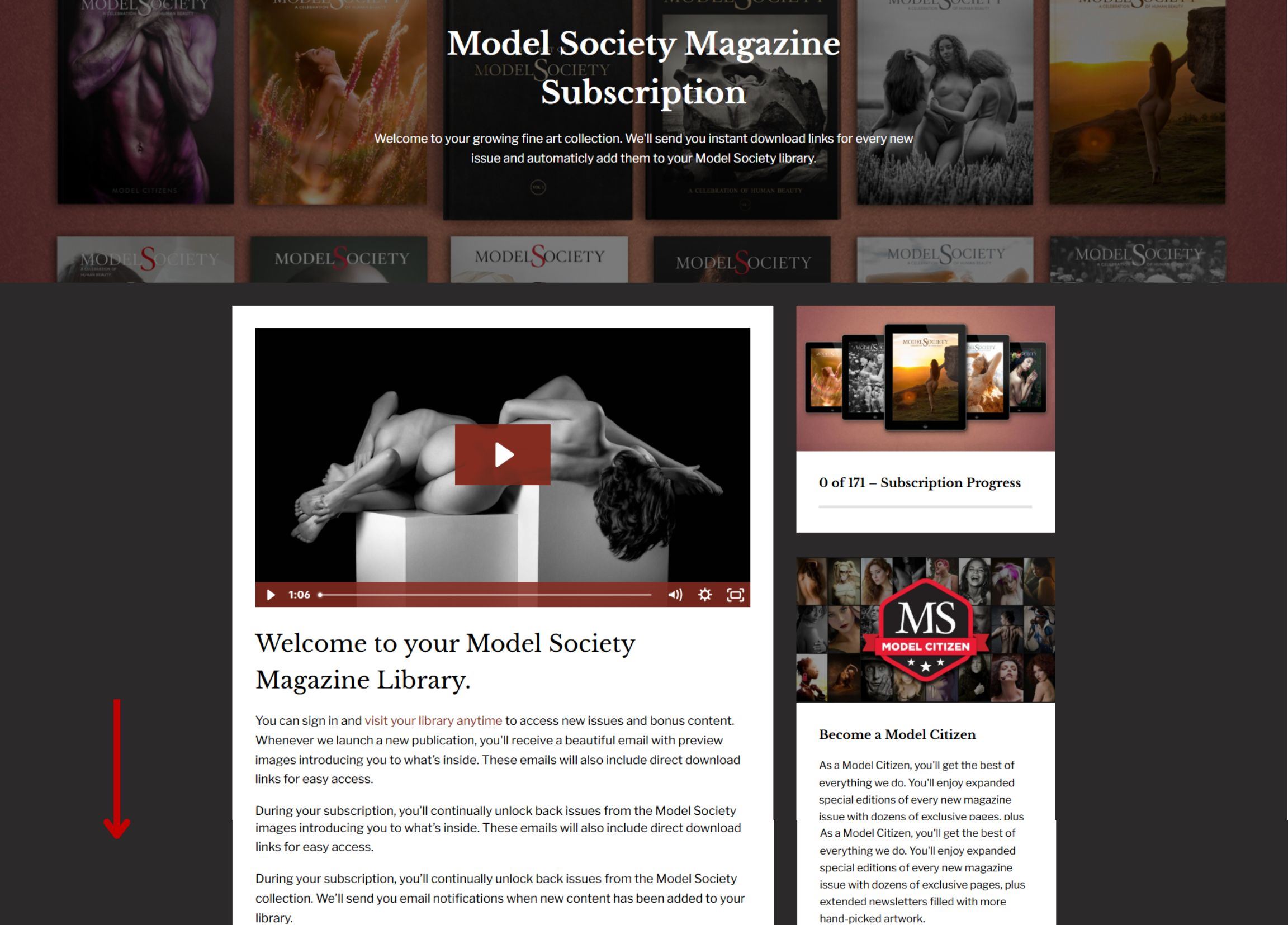
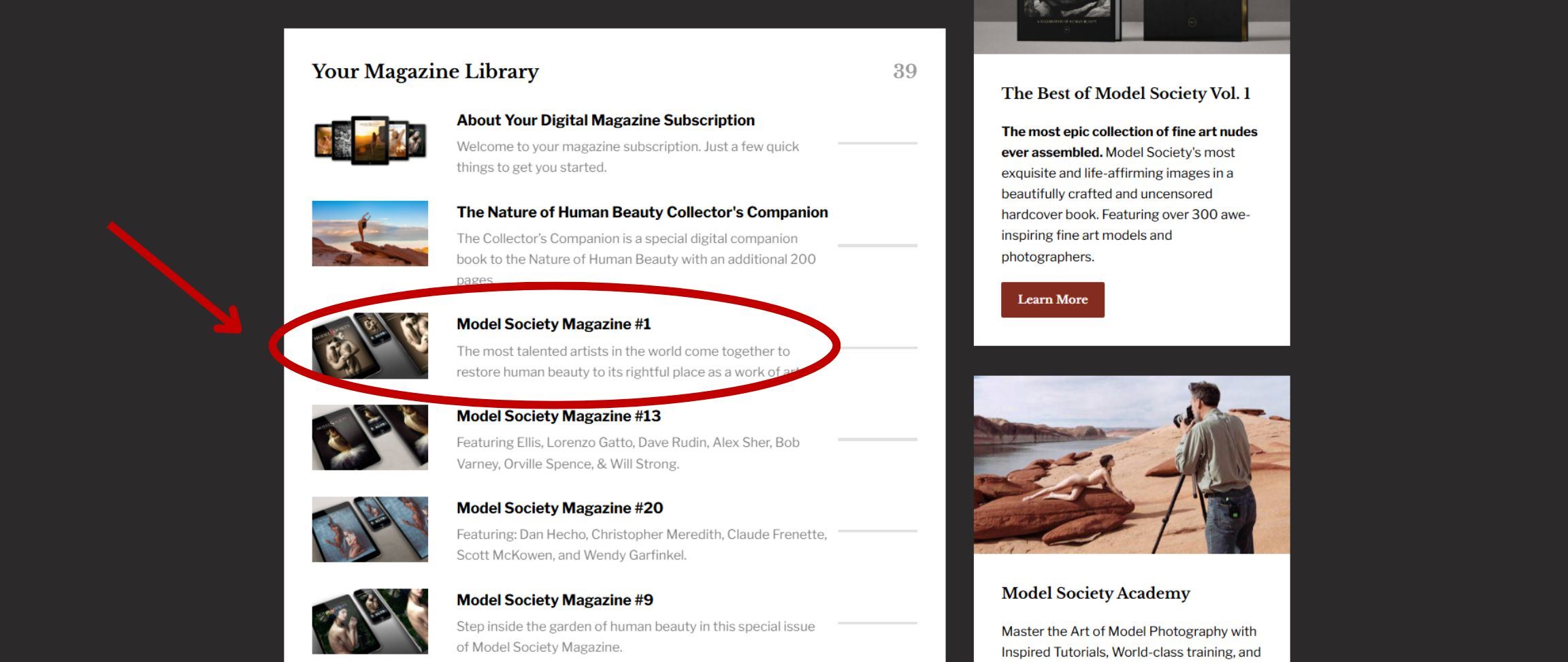
You'll see a list of available publications. Click on the issue you'd like to read.
Step 5: Open the Download Section
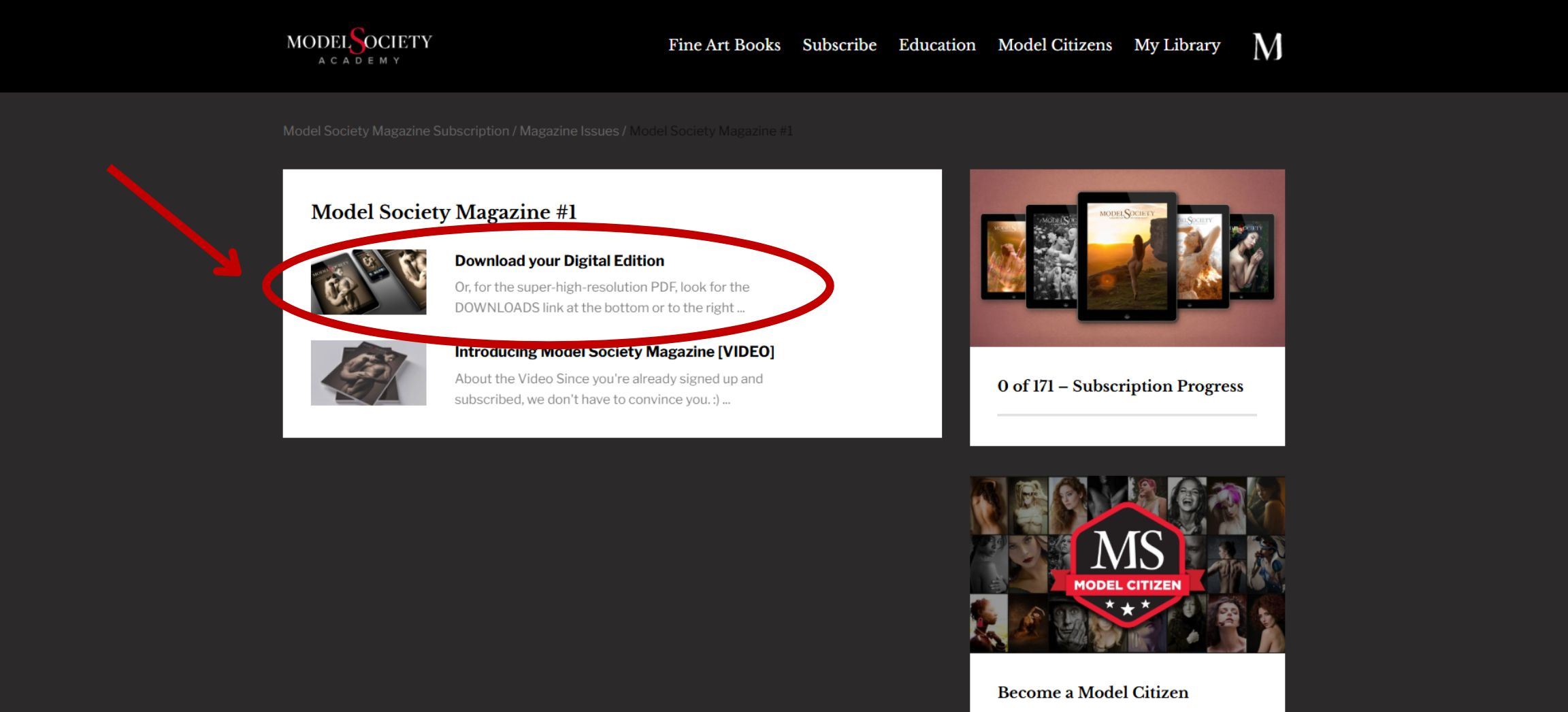
On the issue page, look for the "Download Your Digital Edition" section and click on it to open it.
Step 6: Download the Issue
Scroll down and click any of the red links to download the PDF to your device.
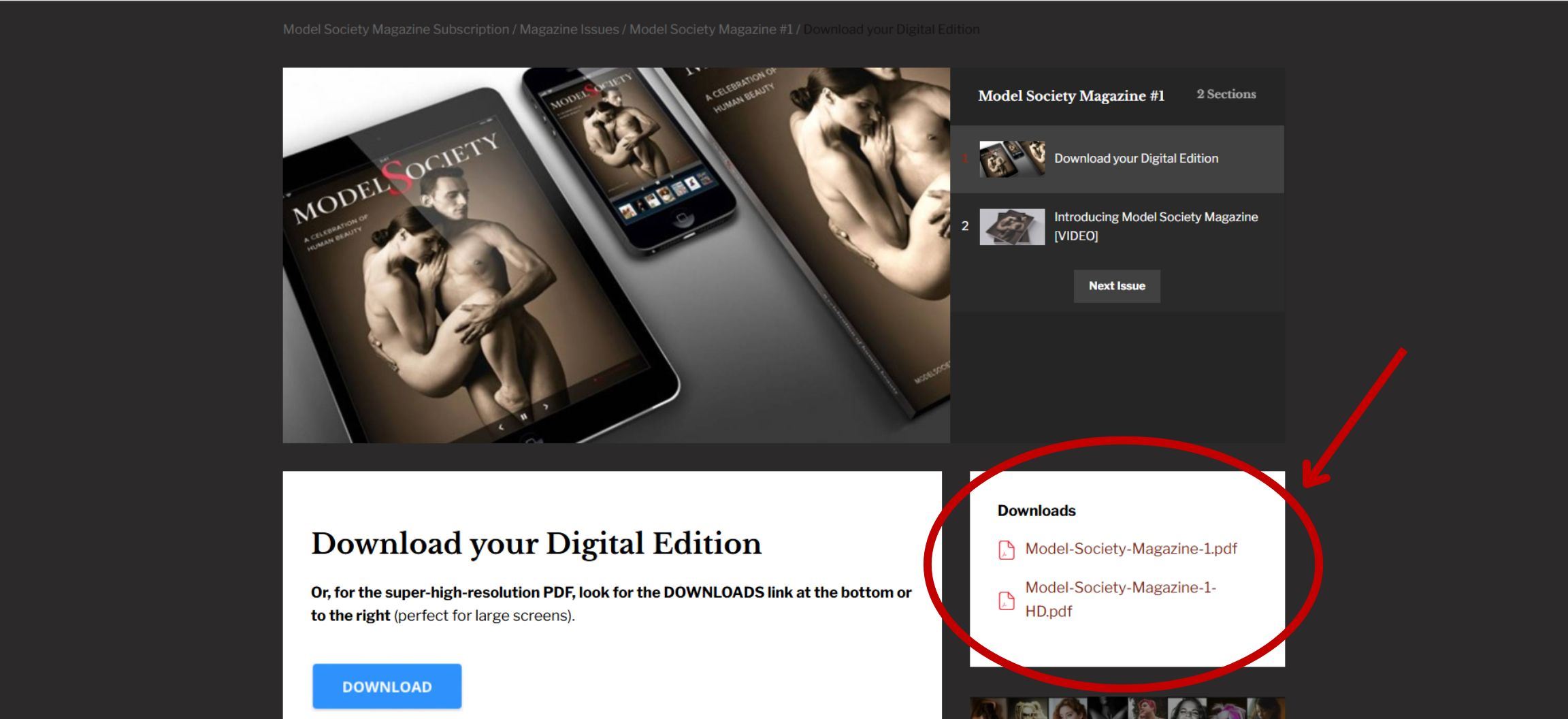
- On a desktop? You'll find the links on the right side of your screen.
- On a phone or tablet? Scroll to the bottom of your screen to find them.
What to Expect as a Subscriber
- New back issues every two weeks: We'll add a new issue from our back-issue collection to your library every two weeks, for the first year of your subscription. You'll receive a notification email with a direct link each time.
- Early access to new issues: As long as you're subscribed, you'll get early access to every new issue we publish.
- Access anywhere: You can read your issues on any computer, tablet, or phone. Download them to your device to read offline, or log back in anytime to download them again.
Troubleshooting: Seeing a Page Asking You to Pay?
If you ever end up on a page asking you to purchase a subscription or sign up for something new, don't worry — just click the "My Library" tab in the top menu to get back to everything included in your subscription.
Need Help?
Questions about accessing your subscription: Email us at [email protected] — we're happy to help.
Want to change or cancel your subscription: Just send us a note at [email protected] and we'll take care of it for you.